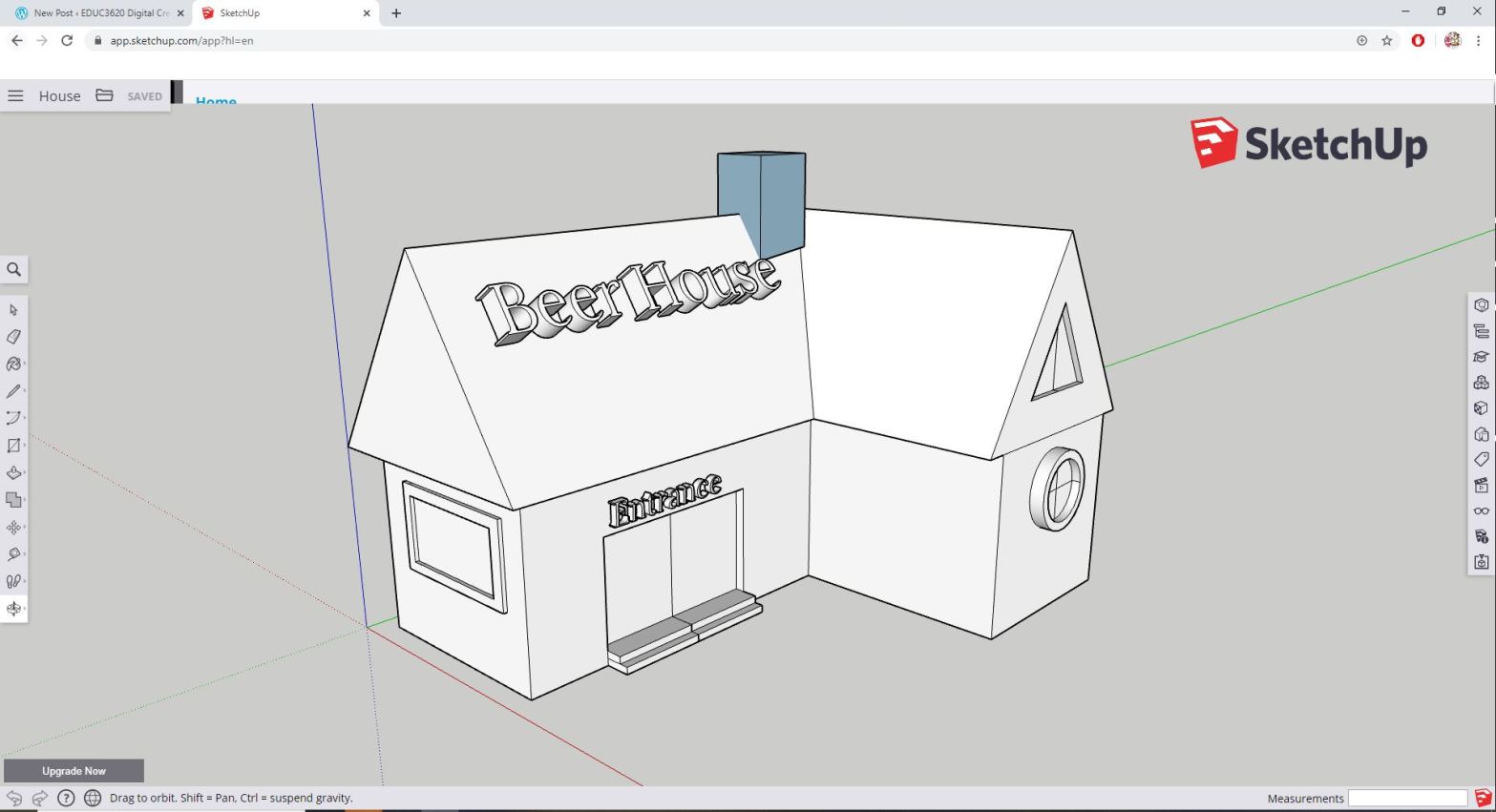
EDUC 3620 Week 3 Technology: SketchUp
As the world evolves through the digital age, the technology application too begins to evolve. One such application is “Sketchup”. A free 3D modelling software which allows users to ‘make anything they can imagine, without downloading anything’. From an educational perspective, Sketchup is an important ICT designed tool builds upon creativity and spatial skills.
Sketchup is a free software online that requires no installation, easy to access and use. Students and teachers can easily access Sketchup from school and from home. User interface in Sketchup is simple with the tools organised in a simple palette to the side of the program. Users can immediately start modelling from the point of origin where the direction of the x-, y- and z- axis are colour coded to represent the axis in which the tools are being applied to along the canvas planes. Study results have shown that the use of dynamic geometric tools (3D modelling) has a positive effect on learners’ spatial progressions (Toptas, Celik, Karaca, 2012).

Furthermore, the simple geometric tools in SketchUp allows the modelling of objects in different forms and sizes. The software further allows the editing of specific designs (such as compacting a shape or increasing the size, adding shapes, trimming down edges etc.). In primary and secondary education, teachers can construct lessons that require students to create 3D models of an object (whether simple or sophisticated) or even model scientific items such as cells. Although 3D modelling may be more advanced for primary education (depending on the modelling use), it never the less allows students to develop creativity and spatial thinking abilities (Toptas et al, 2012; Hansen, 2018).
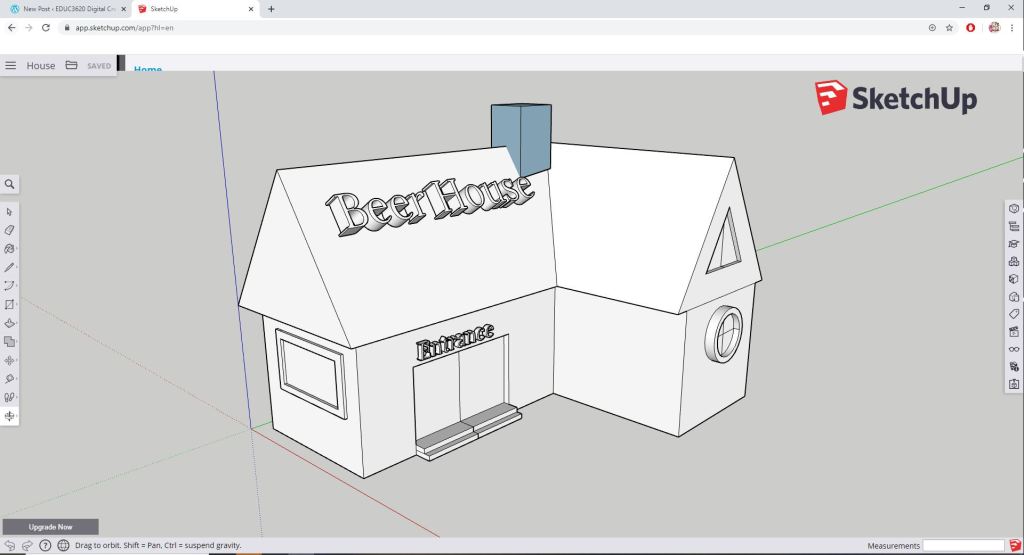
However, without adequate software learning and practice, teachers and students may encounter difficulties when modelling more sophisticated designs. When editing from a different angle in the software, the user’s cursor may be modelling/editing in an unintended axis and construct objects in error. However, simple errors can be remediated once teachers and students are more familiarised with the software. Online tutorials including video and articles are published all over the internet which allows easier learning by both teachers and students in using the software.
Also, the free software is limited in its ability to only model objects without emulating mechanical moving components. However, with the right modelling, a 3D printed object may move mechanically.
More importantly, Sketchup progress can be saved and exported for 3D printing as students can print the fruits of their efforts which also allows the physical interaction in learning (for more information click here).
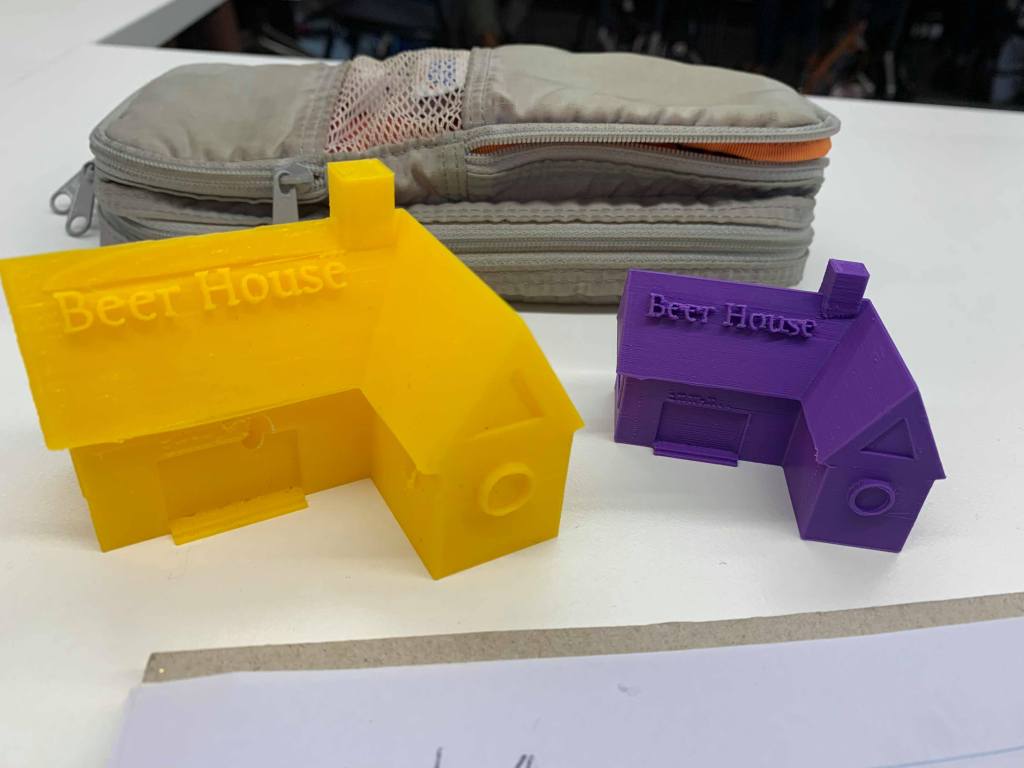
The user-friendly interface of Sketchup makes it ideally for primary education. However, it may also be used in secondary education dependent on the subject and skill level required for the 3D modelling. In education, Sketchup can prepare students for real world situations and problem solving as it builds upon ICT skills, spatial thinking abilities and a strong sense of mathematical awareness for inside and outside the modelling classroom.
References:
Hansen, S. (2018, October 1st). 3D Modelling Education and Our Future. Hackernoon. Retrieved from https://hackernoon.com/3d-modeling-education-and-our-future-77f6931b5098
Toptas, V., Celik, S., Karaca, E.T. (2012). Improving 8th Grades Spatial Thinking Abilities through a 3D Modelling Program. In Turkish Online Journal of Educational Technology. 11(2), 128-134.
 EDUC3620 Digital Creativity and Learning - CW