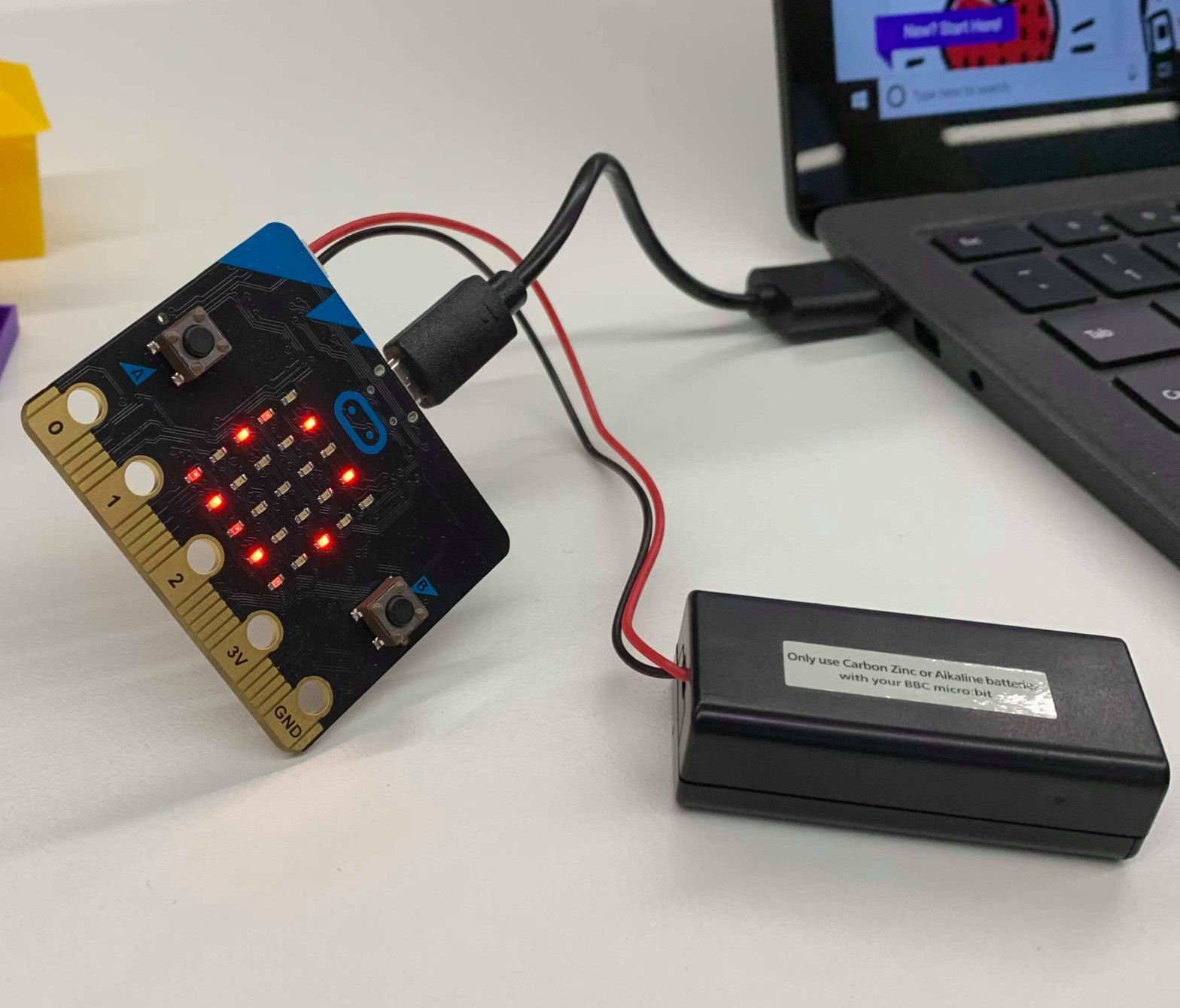
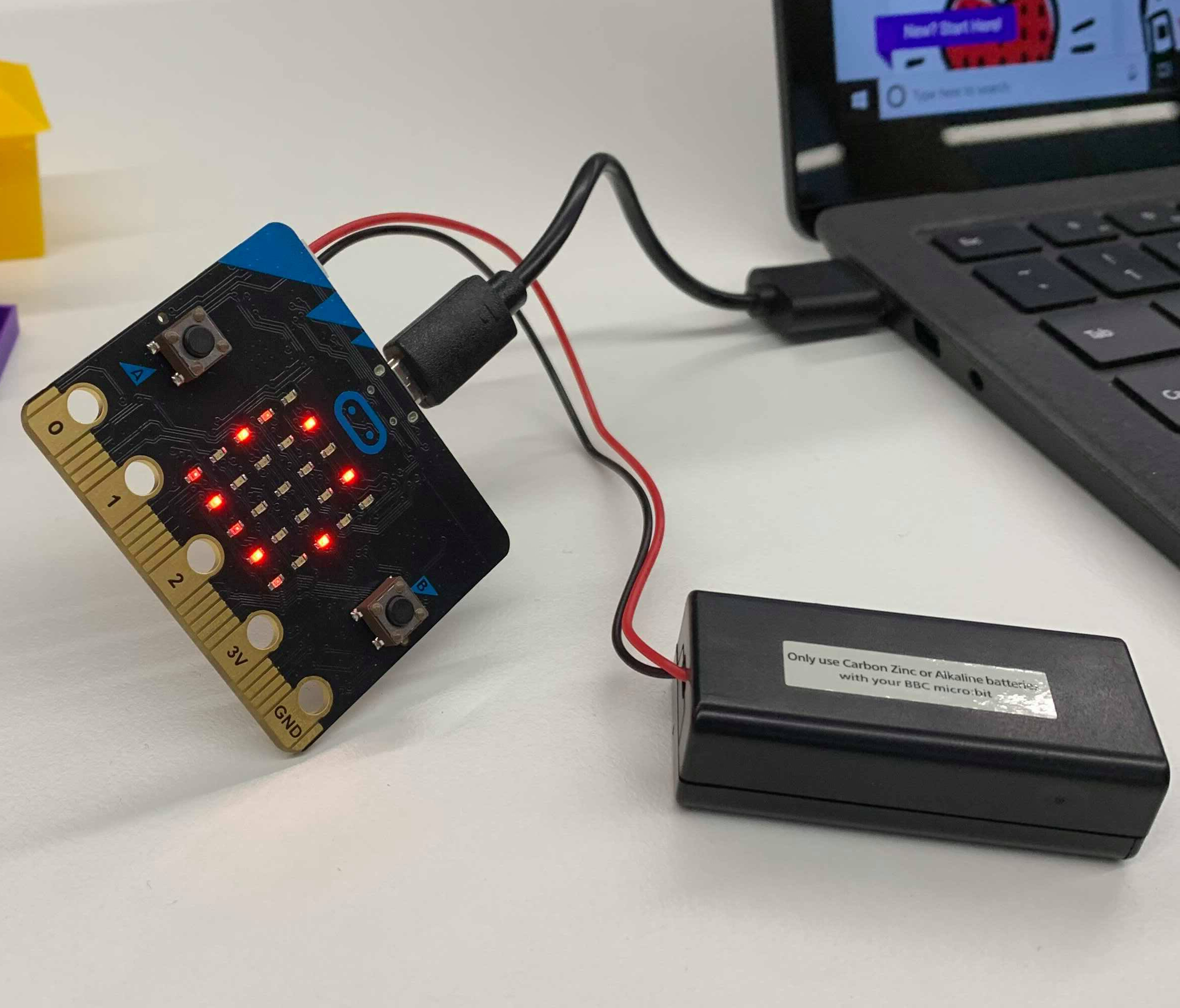
Casper Wang – 44637586 – 30/3/2020
When someone says that they have a computer that is smaller than their palm, would you believe them? With technology evolving at an exponential rate, modern technology has allowed the development of pocket-sized computers, and that is exactly what Microbit is. Microbit is an affordable small computer chip that has 25 red LED lights that can be programmed to flash messages and use to create games. The chip also has two programmable buttons that can be used to control games or pause/skip songs on a playlist. It has an accelerometer that detects motion. The Microbit motherboard also has a built-in compass. Finally, it can use low energy Bluetooth connection to interact with other devices and even the internet. Computational thinking can be shown through Micro:bit.
Computational thinking is a term which describes structured thinking or algorithmic thinking to produce appropriate output to a given input (Dennings, 2009). Computational thinking involves four stages (Angeli & Giannakos, 2020): 1) Decomposition of problems into simpler parts. 2) Developing Algorithm, step-by-step solutions to problems. 3) Data analysis, recognising and generalising patterns. 4) Abstraction, reducing complexity by defining a main idea. In educational curriculum capabilities, students are expected to integrate ICT capabilities into their learning, hence computational thinking is involved as a digital literacy.
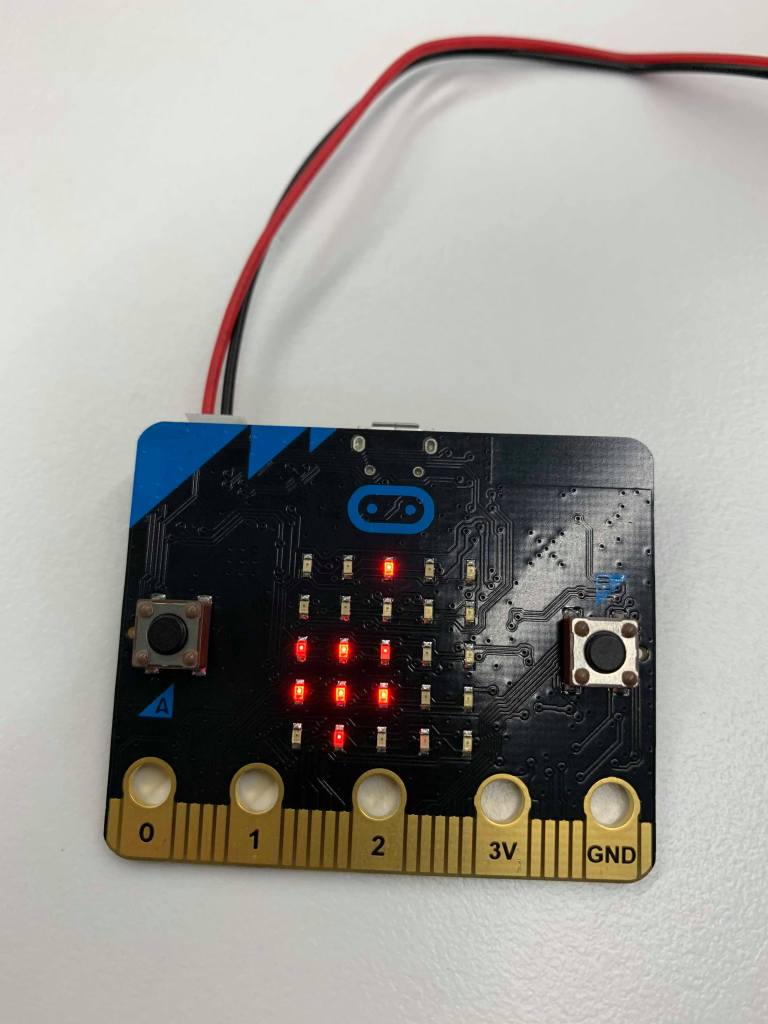


Image 3 middle: Paper
Image 4 Right: Rock
Please note that the LED display are flashing signals, the image captured by the camera captures the exact flash, hence incomplete images.
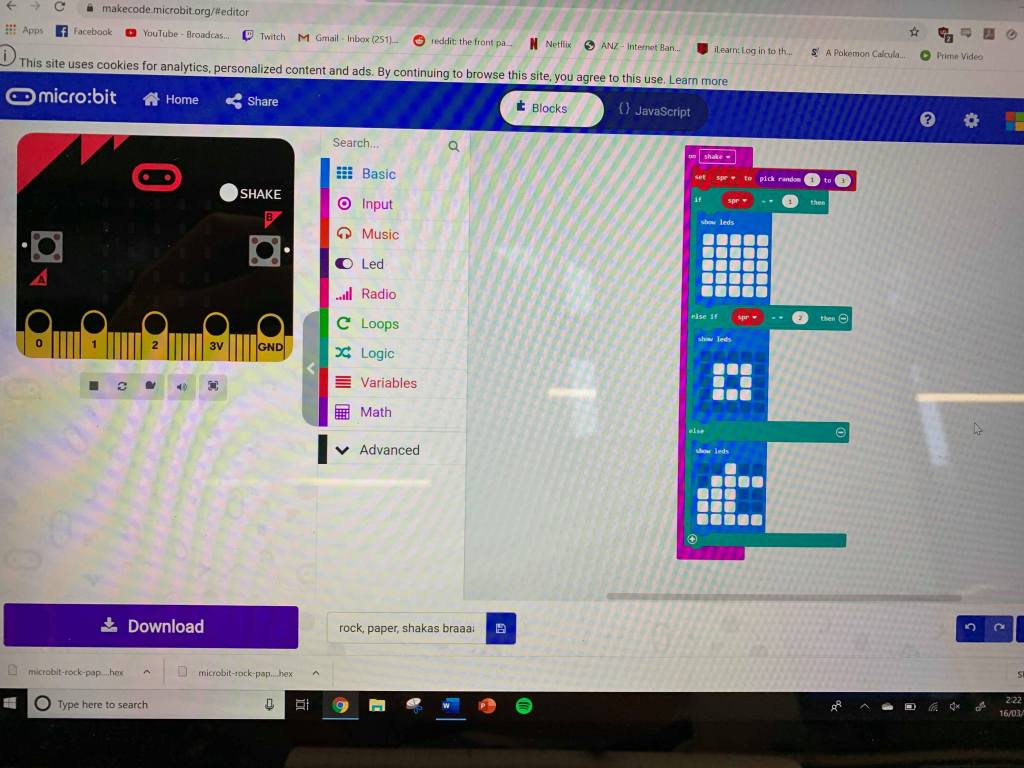
Computational thinking can be introduced into students through Microbit. A teacher can structure an entire class plan into programming a microbit to perform certain functions. For example, we were provided with a microbit kit and were required to code the microbit for a classical game of “Rock, papers, scissors”. A simple yet effective task that can be implemented to students across primary and secondary. By connecting the microbit to a computer and entering the microbit website, we can select the “MakeCode editor” and build command prompts for the microbit. The simplicity in this coding instruction is that the coding itself is using ‘blocks’ which are simplified coding commands that can be stacked. Advanced users may also test their abilities and skills by coding in ‘JavaScript’.
Computational thinking can be developed through technology such as microbit as a way of designing curricula and classroom activities with a focus on a broader set of computational thinking skills; not just coding (Angeli & Valanides, 2020). Both primary and secondary education benefits from early development of computational thinking skills.
References
Angeli, C., Giannakos, M. (2020). Computational thinking education: Issues and Challenges. Computers in Human Beheaviour vol. 105. https://doi.org/10.1016/j.chb.2019.106185
Angeli, C., Valanides, N. (2020). Developing young children’s computational thinking with educational robotics: An interaction effect between gender and scaffolding strategy. Computers in Human Behaviour. vol. 105. https://doi.org/10.1016/j.chb.2019.03.018
Denning, P. J. (2009). Beyond computational thinking. Communications of the ACM, 52(6), 28-30.
 EDUC3620 Digital Creativity and Learning - CW
Hi Casper,
Computational thinking skills are a very necessary and important set of skills for all students (and teachers) to have and practise. Microbits in either primary or secondary classrooms would be a great way to integrate computational thinking into classroom activities but it’s important to maintain a focus on the syllabus requirements (as you mentioned). What subject areas could this tool be integrated into?
Thanks!
LikeLike